
Wellness & Lifestyle · 5 min read
Tech neck: relief tips for desk workers
Hours at a screen quietly strain your neck. Here are the ergonomic fixes and 60-second resets that desk workers, remote employees and students in Coral Springs can start today.


Quick answer
Tech neck is the neck and shoulder strain that builds from holding your head forward toward a screen for hours. The fastest relief for desk workers: raise the monitor so its top third is at eye level, support the forearms, reset posture every 30 minutes with chin tucks, and stretch the chest. Persistent pain or arm tingling needs an evaluation.
What is tech neck?
Tech neck — sometimes called text neck — is the cluster of pain, stiffness and tension that develops from holding your head forward and down toward a screen for long stretches. Your head weighs about as much as a bowling ball, and every inch it drifts ahead of your shoulders multiplies the load the neck muscles must carry. By mid-afternoon the suboccipitals, upper traps and levator scapulae are simply worn out.
At our Coral Springs clinic we treat a steady stream of office workers, remote employees and students from Coral Springs and Parkland with exactly this pattern. The good news: it is highly preventable, and most of the fixes are simple. If you want the mechanics of why the load multiplies, text neck: how your phone is hurting your spine covers it.

Common signs you are developing it
- Aching or burning between the shoulder blades and at the base of the neck, worst late in the workday
- Stiffness turning your head — checking a blind spot on the drive home is harder than it should be
- Tension headaches that start at the back of the skull
- Rounded shoulders and a head that juts forward in photos or video calls
- Tingling or numbness into the arms in more advanced cases
Good to know
Occasional stiffness that eases overnight is a signal to adjust your setup. Pain that returns daily, recurring headaches, or any arm tingling or weakness means the strain has progressed and deserves a professional look.
8 proven tech neck relief tips for desk workers
Ergonomics is the foundation, because no amount of stretching can outrun a poorly arranged workstation. The goal is to bring the work to you so your head can stay balanced over your shoulders. The Mayo Clinic’s office ergonomics guidance lines up closely with what we recommend:
- Raise the monitor. Top third of the screen at eye level, about an arm’s length away. Laptop users need a stand plus an external keyboard and mouse — the laptop screen alone all but ensures a forward head.
- Support the forearms. Elbows at roughly 90 degrees, forearms resting on the desk or armrests, so the shoulders are not holding the arms up all day.
- Fix the chair. Hips slightly above the knees, feet flat, lumbar support in the curve of your low back. A supported low back makes a balanced neck possible.
- Phone at eye level. Hold it up rather than dropping your head to it — and take calls on a headset, never cradled between ear and shoulder.
- Reset every 30 minutes. Stand, roll the shoulders back, look at the horizon for 20 seconds. Set a timer for the first two weeks until it is automatic.
- Chin tucks. Draw the head straight back as if making a double chin, hold 5 seconds, 10 reps, three times a day — the single most direct counter to forward head posture.
- Open the chest. A doorway stretch for 30–60 seconds each side, plus gentle neck rotations and side-bends. Try the 30-second neck stretch between meetings.
- Hydrate and move at lunch. A 10-minute walk outside does more for stiff tissue than any gadget. Stop any stretch that radiates pain into an arm or worsens; see a doctor or urgent care today for sudden weakness or numbness.
Working from a kitchen table or a couch? Work-from-home ergonomics covers the budget version of each of these.
How we help desk workers in Coral Springs
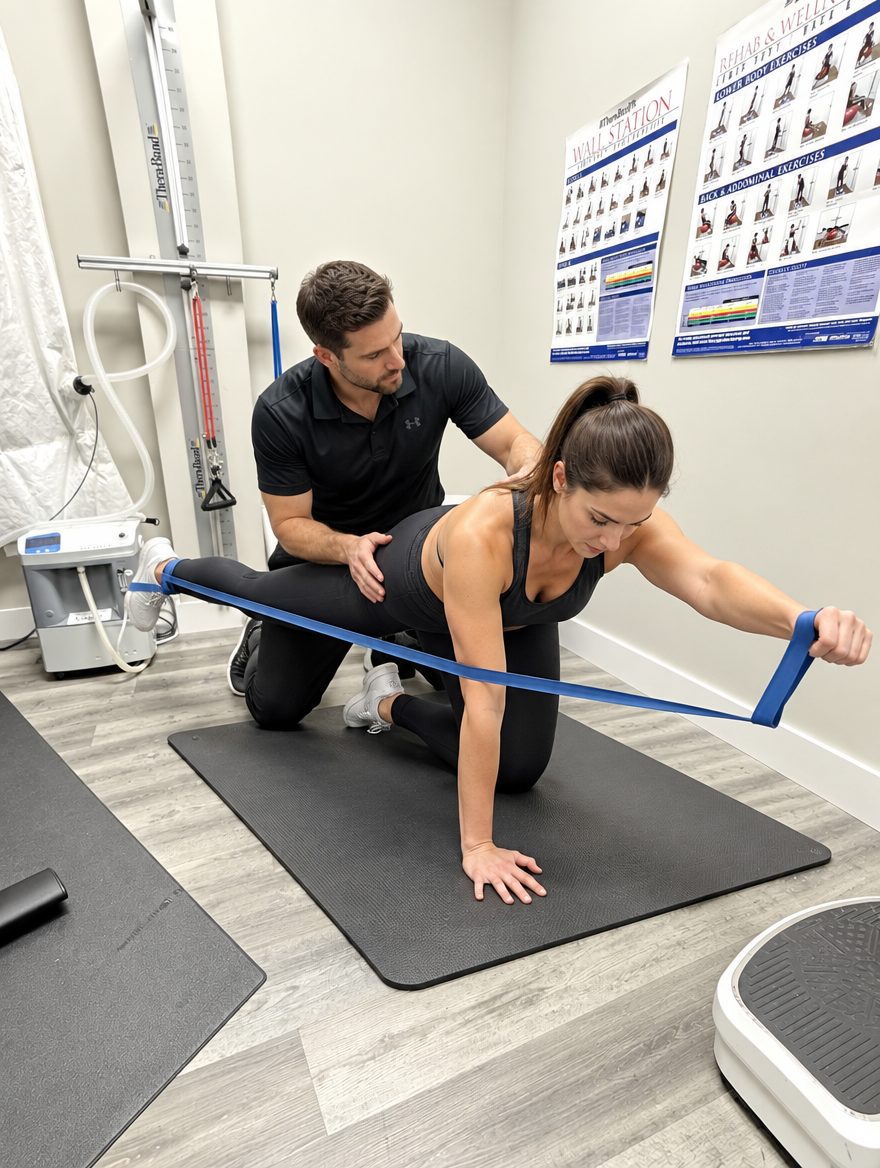
When pain has already set in, self-care may not be enough on its own. Our text neck treatment follows the 4R Method. Visit one is measurement — a conversation about your workday, a hands-on structural exam, surface EMG and thermal scanning to show which muscles are guarding, and digital X-rays when indicated to measure the neck curve. Visit two is your full report of findings and plan, and Most patients have already begun care on visit one; this is where the full plan takes over.
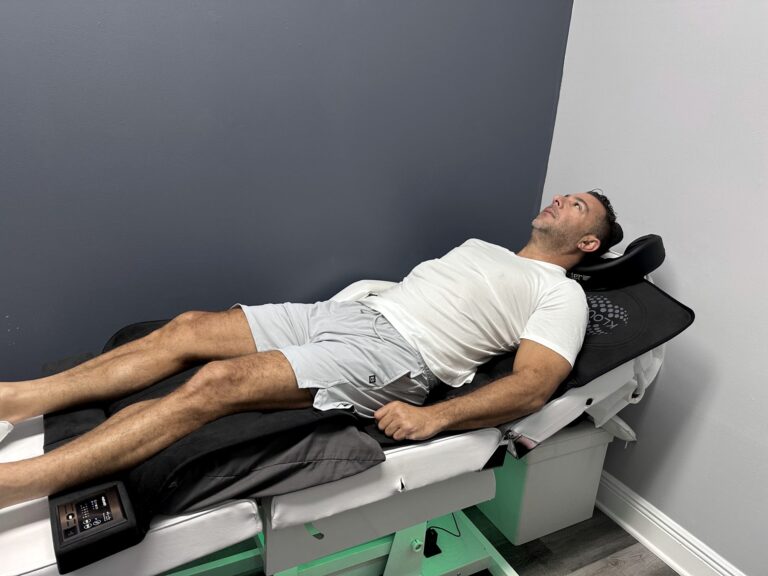
- Repair (3–5 visits a week, 4–8 weeks): gentle cervical adjustments to free the compressed facet joints, soft-tissue work for the upper traps and suboccipitals, and cold laser — the core of our neck pain treatment.
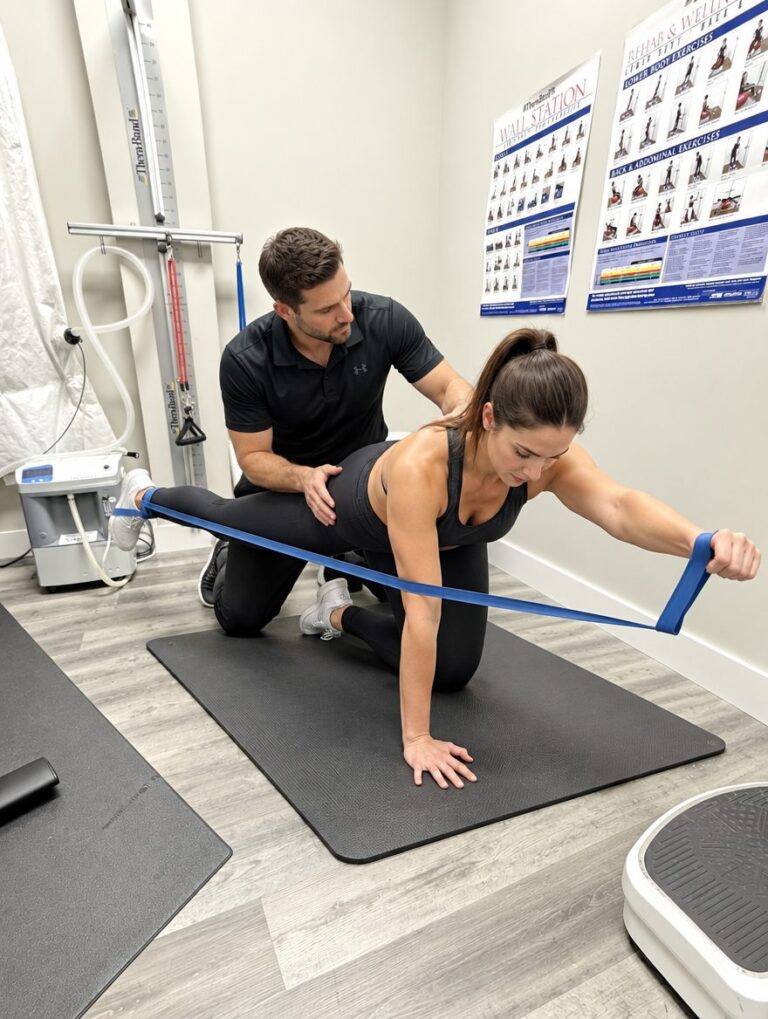
- Rebuild (2–3 visits a week, 8–16 weeks): posture correction and physical therapy for the deep neck flexors and lower traps, so the new posture is held by muscle rather than willpower.
- Regenerate and Refine: red light for chronically tight tissue, then brief monthly tune-ups while the screen time continues.
When desk-related neck pain needs care
Pain that returns every workday despite a better setup, headaches that keep recurring, or any tingling or weakness in the arms means the strain has moved from muscle to joint or nerve. I have been helping desk professionals across Coral Springs and Parkland undo years of screen strain since 2005, and the earlier we start, the less Rebuild it takes. A spine assessment measures how far forward your head sits and what will bring it back.
Serving desk workers with neck pain across North Broward
Our clinic at 5675 Coral Ridge Drive, Coral Springs, FL 33076 serves Coral Springs, Parkland, Coconut Creek, Margate, Boca Raton, Tamarac, Pompano Beach and Deerfield Beach. Same-day appointments are usually available — call (954) 341-2256 or book online. Most patients from Parkland and Coral Springs are here in under 15 minutes.
Medically reviewed by Dr. Jared Cohen, DC — Co-Founder & Clinical Director, The Spine and Wellness Center. Last reviewed October 2026.
Frequently asked questions
How do I get rid of tech neck?
Start with the setup: monitor top third at eye level, forearms supported, lumbar support in the chair. Reset your posture every 30 minutes, do chin tucks three times a day and stretch the chest. If pain persists after two weeks of that, chiropractic care and posture correction address the joint and muscle strain underneath.
What is the best monitor height to prevent tech neck?
Position the top third of the screen at eye level, about an arm's length away, so you look straight ahead rather than down. For a laptop, that means a stand with an external keyboard and mouse. Dual monitors should sit side by side at the same height, centered on where you look most.
How often should desk workers take breaks for neck pain?
About every 30 minutes. A 60-second reset — stand, roll the shoulders back, tuck the chin, look at the horizon — prevents the stiffness that builds during long sitting. Add a 10-minute walk at lunch. Frequency matters more than length: six short resets beat one long break at the end of the day.
Can a chiropractor help tech neck?
Yes. Gentle cervical adjustments and soft-tissue work relieve the joint restriction and muscle tension from prolonged screen use, and posture correction retrains the forward head position that causes it. Care is paired with workstation changes so the relief lasts.


Same-day appointments
Reading about it is step one.
Step two is a measurement. Visit one we measure — and usually begin care; visit two you get your full findings and plan.
- Same-day appointments are usually available
- Our team calls you back to confirm your visit
- Coral Springs, serving Parkland & North Broward since 2005
Prefer to talk now? Call or text (954) 341-2256