
Wellness & Lifestyle · 6 min read
Work-From-Home Ergonomics to Save Your Back
A chiropractor’s guide to building a home office that protects your spine — without buying a thousand-dollar chair.

Quick answer
Good work-from-home ergonomics means your screen is at eye level, your elbows rest at about 90 degrees with the wrists straight, your feet are flat and your low back is supported — and you change position every 30 minutes. The laptop on the couch is the most common cause of the neck and back pain we see in remote workers.
Why working from home hurts your back and neck
Work-from-home ergonomics became a daily topic in our Coral Springs office the year so many people swapped the office for the kitchen table. A traditional workplace usually comes with an adjustable chair, a monitor at eye level and a proper desk. Home rarely does. Many people spend eight hours hunched over a laptop on a couch or perched on a dining chair, loading the spine in a way it was never built to tolerate for that long.
Over weeks and months, sustained poor posture strains the muscles and joints of the neck, mid-back and lower back. Every inch the head drifts forward of the shoulders adds roughly ten pounds of effective load to the neck. The result is familiar: the ache between the shoulder blades, a stiff neck by lunch, tension headaches, and a tired low back by mid-afternoon. Small daily stressors compound — which is exactly why ergonomics matters.
The good news is that most of it is preventable. The Mayo Clinic’s office ergonomics guidance boils down to a handful of relationships between your body, your chair, your desk and your screen, and none of them require expensive equipment.
Signs your home setup is working against you
Your body usually warns you before a small problem becomes a stubborn one. Watch for these during or after the workday:
- Neck or shoulder stiffness that eases on weekends and returns by Monday afternoon
- Aching between the shoulder blades or at the base of the skull
- Low-back fatigue or tightness after long stretches of sitting
- Numbness or tingling in the hands or wrists by the end of the day
- Frequent tension headaches, especially late in the day
- Eye strain that pulls you toward the screen — and your head with it
That forward-head, rounded-shoulder pattern has a name, and it responds well to correction; we cover it in tech neck tips for desk workers and in our text neck treatment program. If the hands are tingling, the neck is a more common culprit than the wrist — see numbness and tingling in hands and feet.

7 proven work-from-home ergonomics fixes (start from the chair up)
- Chair height: feet flat on the floor (or a box), knees level with or slightly below the hips. Thighs parallel to the floor.
- Low-back support: sit back into the chair so the lumbar curve is supported. No lumbar support? A rolled towel or small cushion in the small of the back works.
- Elbows and wrists: elbows at about 90 degrees, close to the body, wrists straight and floating rather than bent up on the desk edge. If the desk is too high, raise the chair and add a footrest.
- Screen height: top of the screen at or just below eye level, about an arm’s length away. Laptop users: put the laptop on a stand or a stack of books and add an external keyboard and mouse. This single fix solves most tech neck.
- Keyboard and mouse: directly in front of you, close enough that you are not reaching. Keep the mouse at the same height as the keyboard.
- Phone and second screen: never cradle the phone between ear and shoulder; use a headset. Center the screen you use most, or sit square to the gap between two.
- Lighting: reduce glare so you stop leaning toward the screen. Position the screen perpendicular to windows.
A standing desk is a good option, but standing badly for eight hours is no better than sitting badly. The goal is variety: alternate sitting and standing in 30–45-minute blocks, and apply the same screen and elbow rules standing.
Movement habits matter more than the perfect chair
Even a flawless setup becomes a problem if you hold it for hours. The healthiest posture is your next posture. Set a timer and stand, stretch or walk for two minutes every 30 minutes; the research on sitting is clear that frequent short breaks protect the spine better than one long break. We explain the mechanism in how sitting strains your back.
Three micro-breaks that take 60 seconds total: a chin tuck (draw the head straight back, hold five seconds, five times), a doorway chest stretch (forearms on the frame, lean through for 20–30 seconds), and a standing back extension (hands on the hips, gently arch backward five times). Add a short walk at lunch — Coral Springs and Parkland neighborhoods are made for it — and the afternoon slump mostly disappears.
Stop any stretch if pain radiates, sharpens or worsens, and please see a doctor or urgent care today for red-flag symptoms such as numbness with weakness, a severe sudden headache, or pain after an injury.
When ergonomics alone is not enough
If a corrected setup and daily movement have not changed your neck or back in three to four weeks, the posture has usually become structural: stiff joints in the upper back and neck, shortened chest muscles, and weak deep neck and core stabilizers that no chair can fix. That is where measured care comes in.
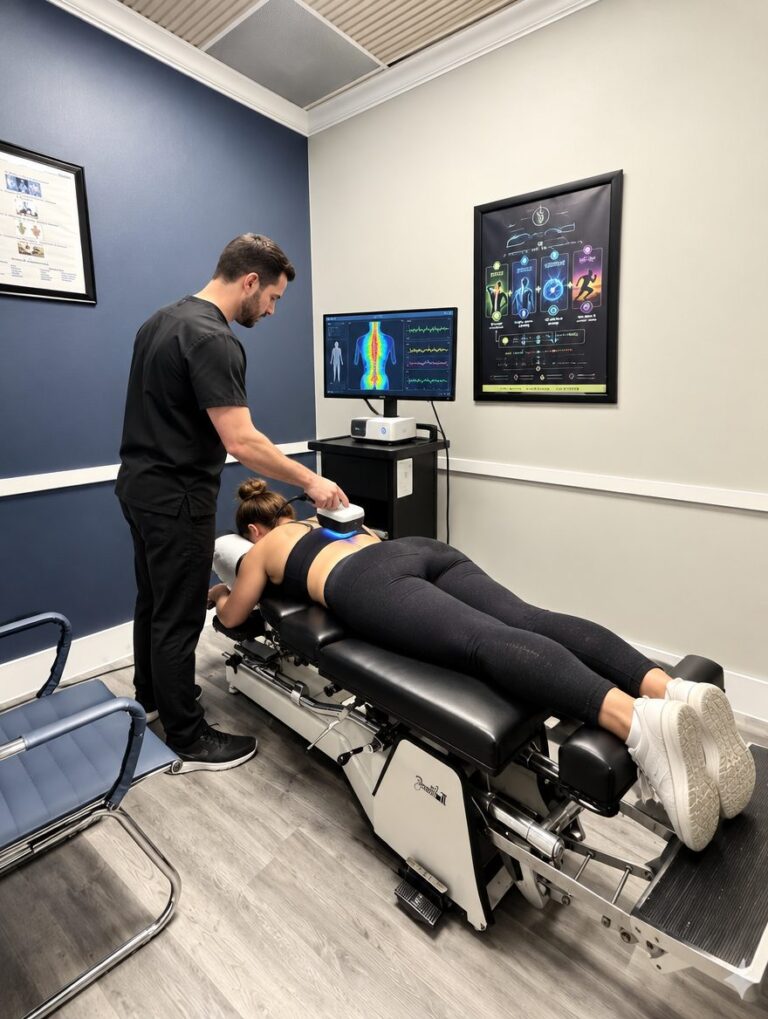
Your first visit is measurement: a conversation about your workday, a hands-on structural and postural exam, surface EMG and thermal scanning, and digital X-rays when indicated. Visit two is the report of findings and plan. Care follows the 4R Method: Repair restores motion to the stiff segments and calms irritated tissue; Rebuild is our posture correction program — retraining the alignment and strengthening what holds it; Regenerate and Refine keep it. Our full guide, how to fix your posture, lays out the exercise side.
Posture correction
Retraining forward-head, rounded-shoulder posture so the fix holds.
Learn moreText neck treatment
For the neck that lives looking down at screens.
Learn moreNeck pain treatment
Specific care for stiff, painful cervical joints and tension headaches.
Learn moreUpper back pain relief
For the ache between the shoulder blades that the chair created.
Learn moreServing remote workers across North Broward
Our clinic at 5675 Coral Ridge Drive, Coral Springs, FL 33076 serves Coral Springs, Parkland, Coconut Creek, Margate, Boca Raton, Tamarac, Pompano Beach and Deerfield Beach. Same-day appointments are usually available — call (954) 341-2256 or book online. Most patients from Parkland and Coral Springs are here in under 15 minutes.
Medically reviewed by Dr. Jared Cohen, DC — Co-Founder & Clinical Director, The Spine and Wellness Center. Last reviewed October 2026.
Frequently asked questions
What is the most important work-from-home ergonomics fix?
Screen height. Raising the screen to eye level — with a laptop stand and an external keyboard for laptop users — removes the forward-head posture that drives most remote-work neck pain and headaches. After that, supporting the low back and changing position every 30 minutes make the biggest difference.
Do I need an expensive ergonomic chair?
No. Any chair works if your feet are flat, your thighs are level, your low back is supported (a rolled towel does it) and your elbows rest at about 90 degrees. Spending on a laptop stand and an external keyboard usually helps more than spending on a chair.
Is a standing desk better for my back?
It is better as part of variety, not as a replacement. Standing badly for eight hours strains the low back and feet. Alternate sitting and standing in 30-to-45-minute blocks, keep the screen at eye level in both positions, and wear supportive shoes on hard floors.
How often should I take breaks from my desk?
Every 30 minutes, for one to two minutes: stand, do a few chin tucks, open the chest in a doorway and walk a lap of the house. Short, frequent breaks protect the spine better than one long break, and they keep the afternoon stiffness and headaches from building.

Same-day appointments
Reading about it is step one.
Step two is a measurement. Visit one we measure — and usually begin care; visit two you get your full findings and plan.
- Same-day appointments are usually available
- Our team calls you back to confirm your visit
- Coral Springs, serving Parkland & North Broward since 2005
Prefer to talk now? Call or text (954) 341-2256